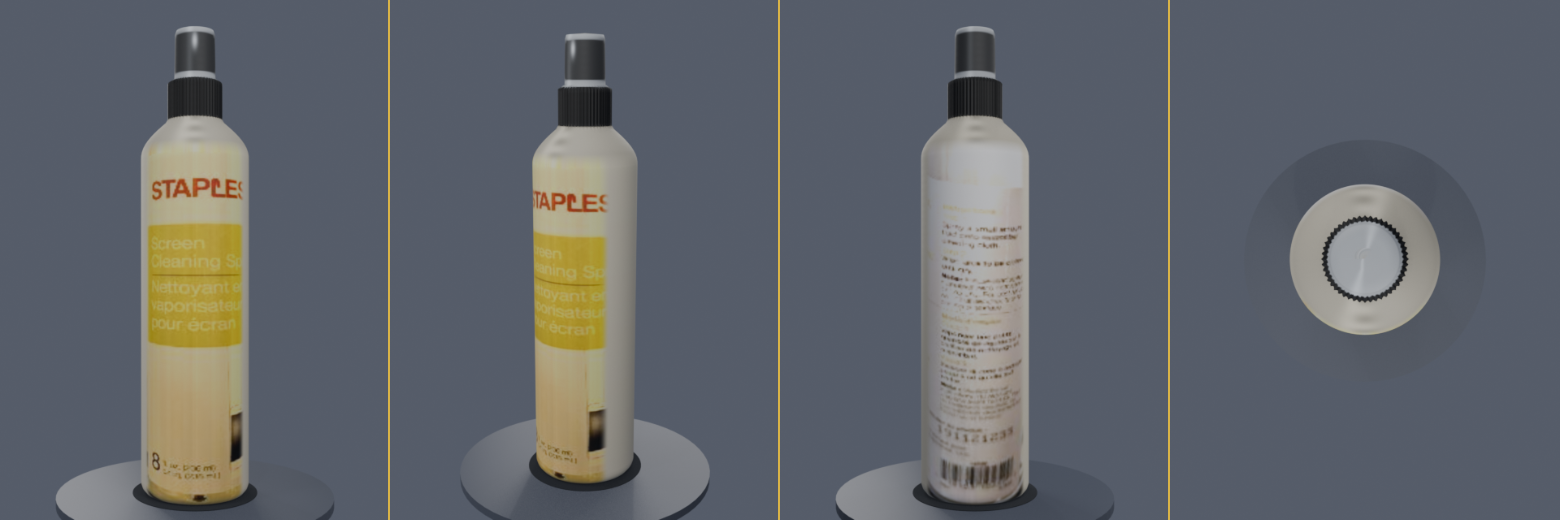
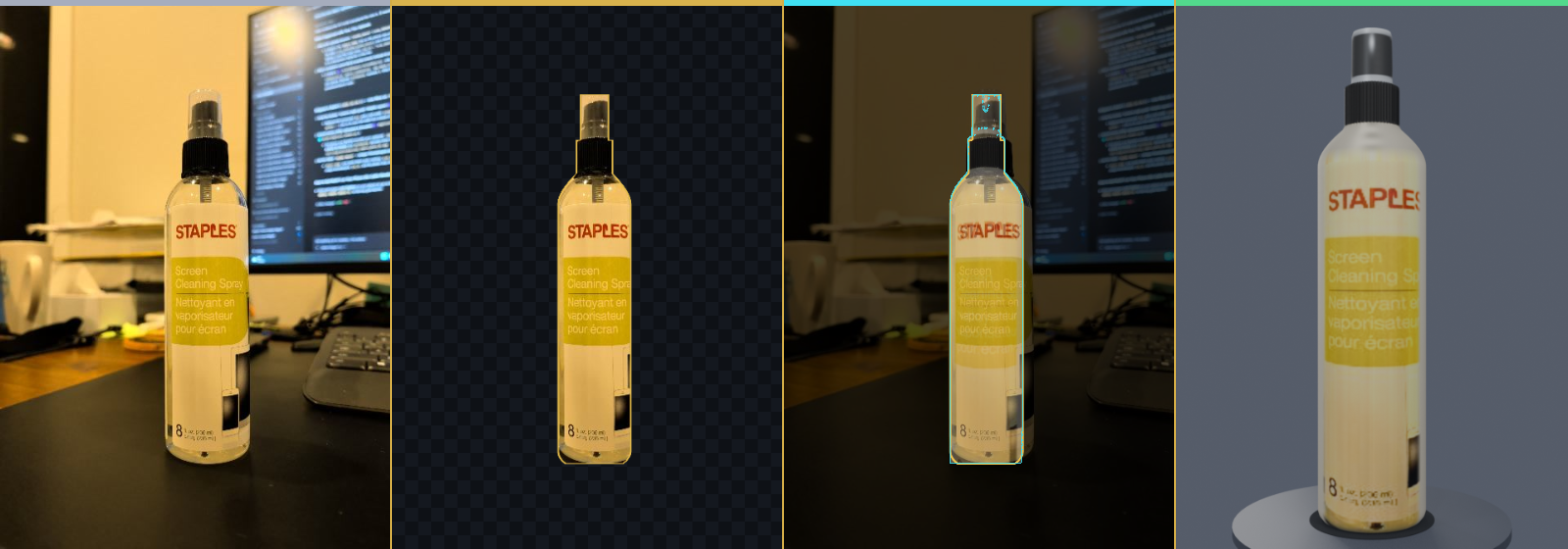
01 · GENERIC 3D OBJECT LIBRARY · STEP-BY-STEP GUIDED COACH PROP · PHOTO_ORBIT · LIBRARY

1. Generic 3D Object Library (Object Name, Description & Category)

STEP 1 Name & Describe Your 3D Object: Enter an Object Name, optional Description / Notes (up to 500 chars), and choose a 3D Category (Prop, Avatar, or Building).
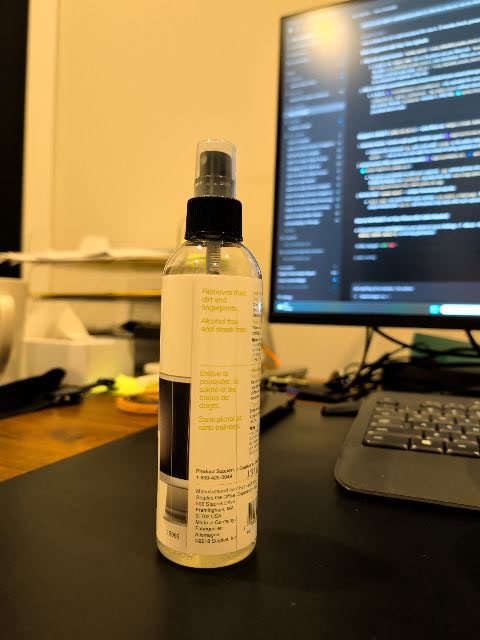
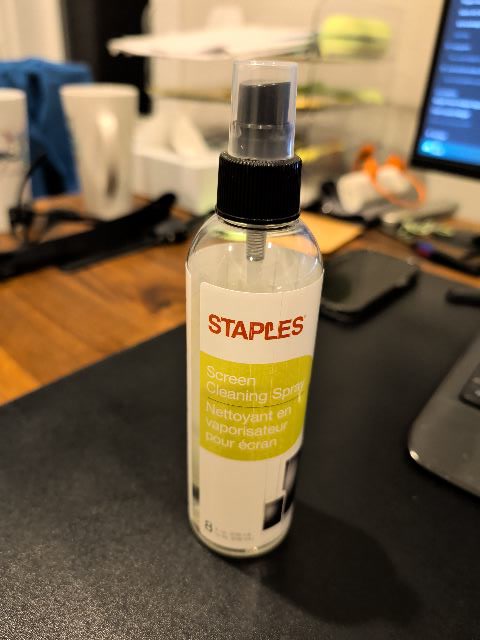
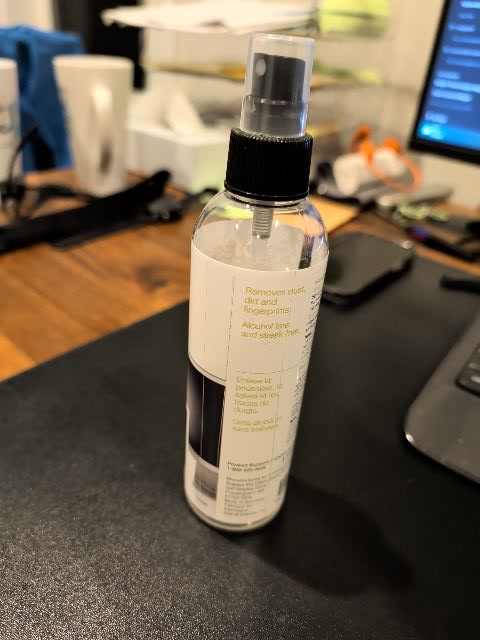
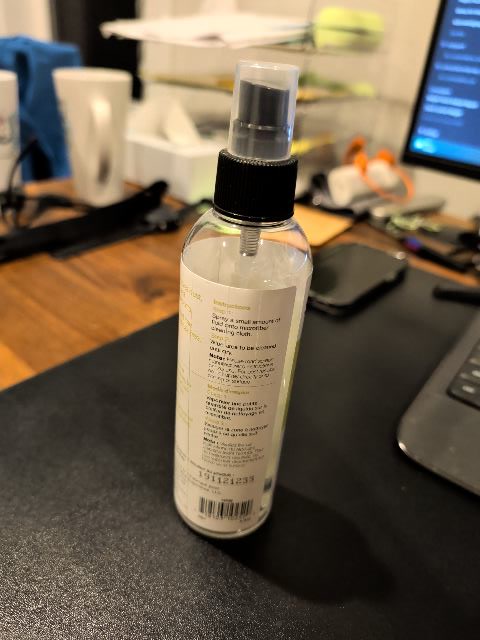
STEP 2 Capture 1, 2, or Any Number of Photos (1–64): Use the large camera viewfinder below to snap or select 1 to 64 photos (no 36-photo mandate!) or a 4K 60fps walk-around video. Tap any photo thumbnail to enlarge.
STEP 3 1-Click Upload to 3D Object Library: Push directly to your generic 3D Object Library. Physical tape measurement and ViMor world placement are optional collapsed drawers below.
Sharpness Gate: Laplacian >= 120.0 (fallback 80.0) Glare Gate: <= 8%
02 · CAMERA VIEWFINDER & FLEXIBLE 1-TO-N PHOTO UPLOAD 3 PHOTOS READY (1–64 FLEXIBLE)

2. Large Camera Viewfinder (min-height 480px) & Tap-to-Enlarge Photo Strip

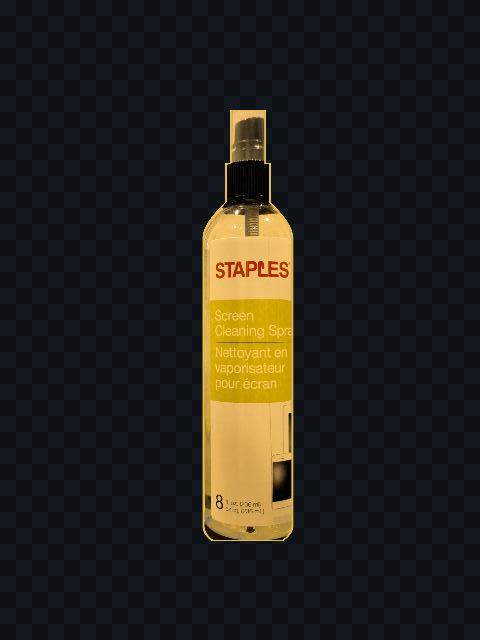
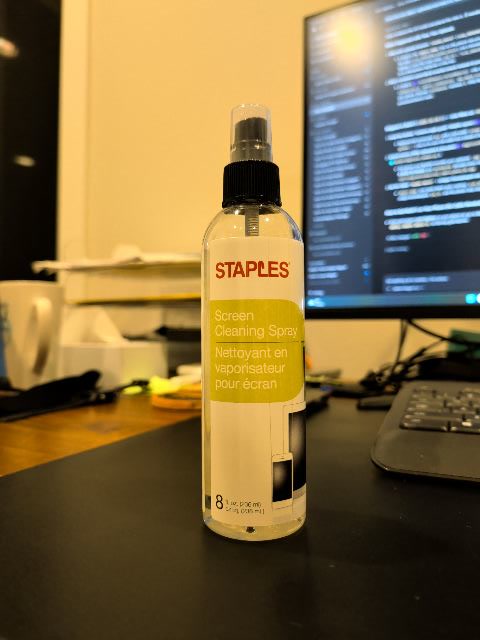
Active Frame #01 · front_keyframe_01.jpg (4032×3024 · Laplacian 164.2 · PASS)

Flexible 1-to-N Capture: Upload after just 1, 2, or 3 photos for quick AI-assisted 3D library reconstruction, or capture a full multi-angle orbit (up to 64 photos). Tap any thumbnail below to enlarge.

CAPTURED PHOTO THUMBNAILS (TAP ANY THUMBNAIL TO ENLARGE) 3 / 64 FRAMES STAGED

Dual-Path Ready · Primary: http://100.127.83.110:8787/api/jobs · Fallback: https://scan.letzi-labs.com/api/jobs

03 · OPTIONAL SCALE MEASUREMENT & OPTIONAL VIMOR WORLD EXPORT LIBRARY-ONLY (DEFAULT)

3. Optional Size Calibration & Optional ViMor World Placement

Measure Object Size / 2-Point AR Tape Measure (Optional — Off by Default) OPTIONAL · OFF
Estimated Bounding Box (W × D × H): 1.20 m × 0.80 m × 1.10 m (Dist 1.85 m)
Source: reference_dimension (conf 100%, scale 1.200x)
Export / Place in ViMor World (Optional) OPTIONAL · LIBRARY DEFAULT
LV95 E 2690818.0, N 1216496.0, H 931.4 m → ViMor (18, 16, 1.4 m, yaw 18°)
04 · APP STANDARD 1315 · 7-STATE TELEMETRY MATRIX & 3D OBJECT LIBRARY DOWNLOADS 0 QUEUED

4. App Standard 1315 · 7-State Telemetry Matrix & Empty State (S15)

Sensor fusion calibrated and Generic 3D Object Library ready; waiting to capture 1-to-N photos or walk-around video.

No scan jobs are queued in this session; capture 1 or more photos in PHOTO_ORBIT or a 4K VIDEO_WALKAROUND to add an object to your 3D Object Library.

05 · 3D OBJECT LIBRARY ARTIFACTS & 1-CLICK OTA BUILD 4 .APK DOWNLOADS CRITIC 9.15 / 10 · PASSED

Direct 1-click downloads for reconstructed 3D Object Library assets (uncle_barn_bench) and the Build 4 Android OTA package:

Artifacts ready: /out/uncle_barn_bench/{previews/overlay_50_50.png, previews/turntable_4view.png, model.glb, uncle_barn_bench.vimorpack.zip} · /letzi-digitizer-debug.apk

LETZI-LABS · MORGARTEN · 1315 FORM A

letzi-digitizer

/ˈlɛt.tsi ˈdɪdʒ.ɪ.taɪ.zər/
Field-to-Blender metric 3D reconstruction for the Morgarten valley.

A Letzi was the timber-and-stone defensive earthwork guarding the Morgarten pass in 1315. letzi-digitizer brings real objects, buildings, and people from the valley into ViMor at true 1 unit = 1.00 m scale.

ACCOUNT SIGIL · FORM B · 40-GRID SIGNED OUT · FORM B

Sigil

FNV-1a 32-bit · 4 lattices
Your account mark, derived deterministically from your identity seed.

Your Google photo is not used or stored. You appear as a sigil. The 40-grid Form B hexagon pairs with one of four inner lattices hashed via 32-bit FNV-1a from your Google sub (or Supabase user ID), identical on phone and web.

ENLARGED PHOTO FRAME INSPECTOR FRAME #01

front_keyframe_01.jpg

4032 × 3024 px · Laplacian Sharpness 164.2 (PASS >= 120.0) · Glare 1.8%